
Malware protection that keeps watch for you
Threat Eraser doesn't just clean up. Real-Time Watch checks new files in your Downloads, Desktop and Documents folders as they arrive, Ransomware Early Warning alerts you to ransomware activity, and scheduled Quick or Full Scans run on their own.
The protection checklist
The Dashboard shows five habits that keep a PC safe, with a button next to anything not done yet.
- DefinitionsVirus definitions are up to date.
- Recent scanA scan has run in the last 7 days.
- ActivationThreat removal is activated.
- Real-Time WatchReal-Time Watch is protecting your downloads.
- ScheduleA scheduled scan is set.
Set up protection in four steps
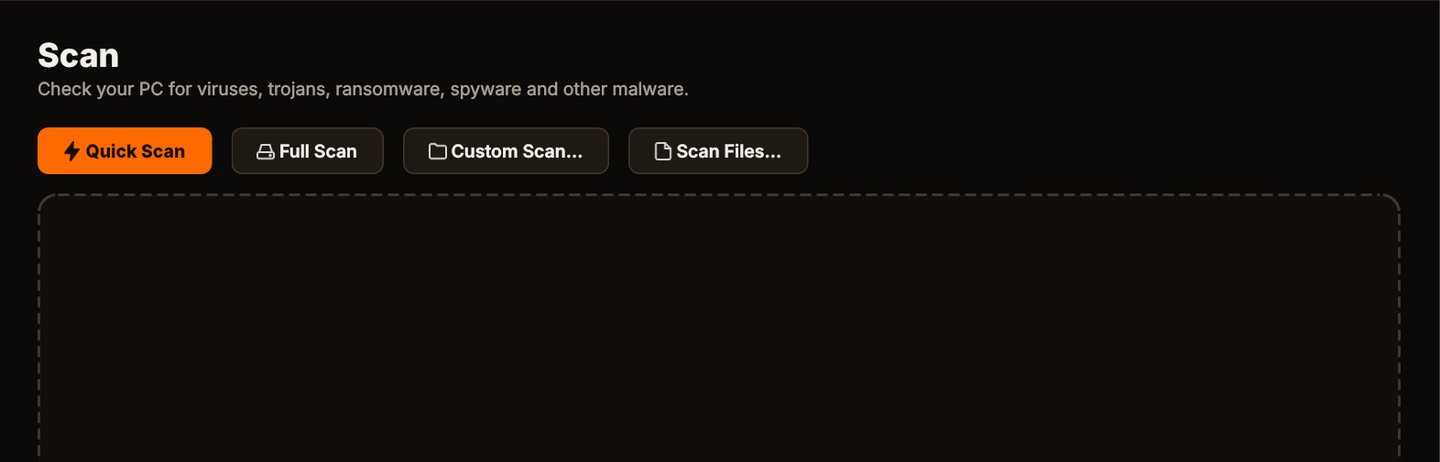
Scan
Click Quick Scan to check the places malware usually hides, or Full Scan for every file on every fixed drive.
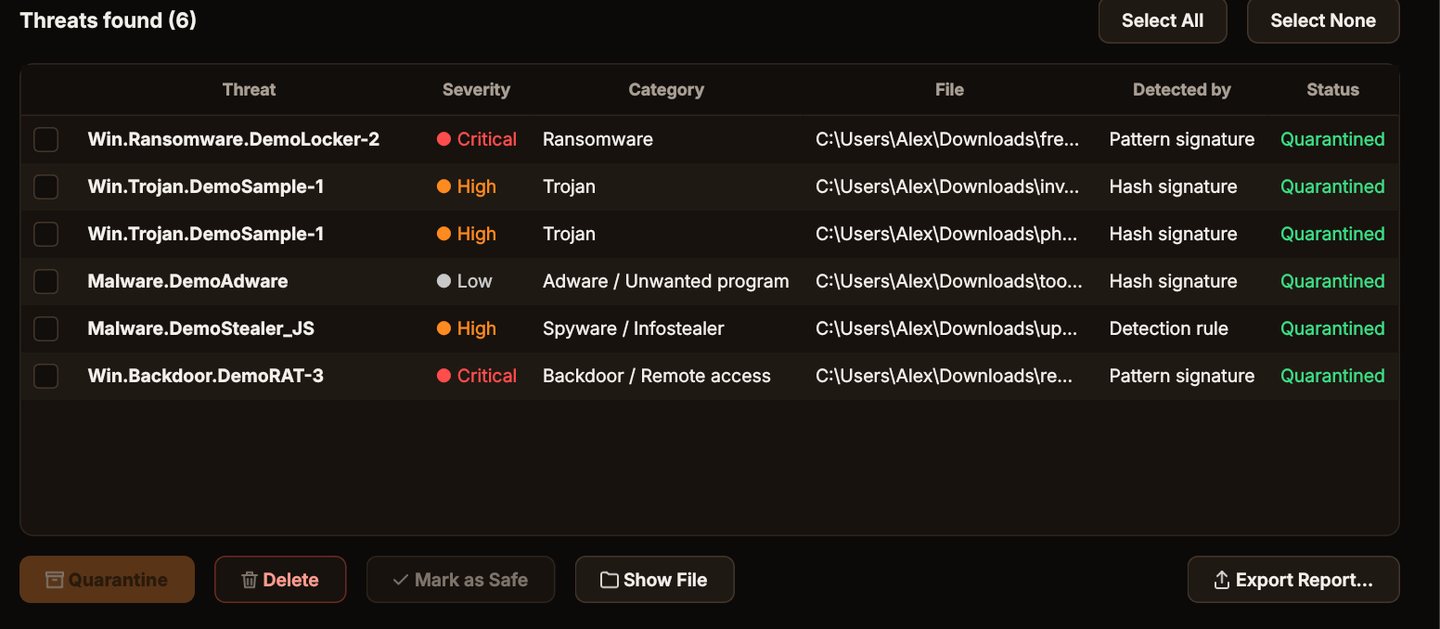
Quarantine it
Click Quarantine. The files are locked away where they can't run, and you can restore them if you need to.
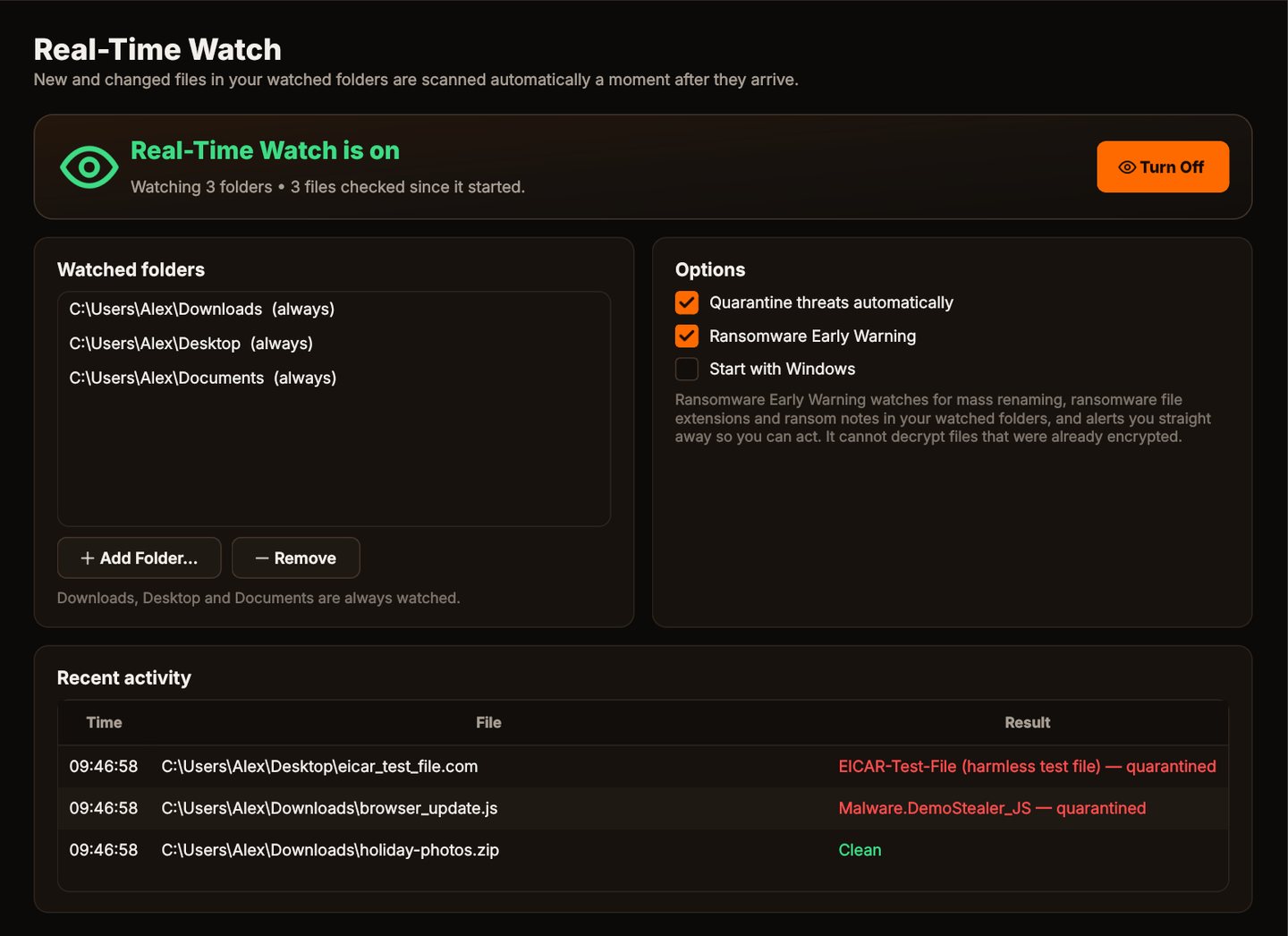
Stay protected
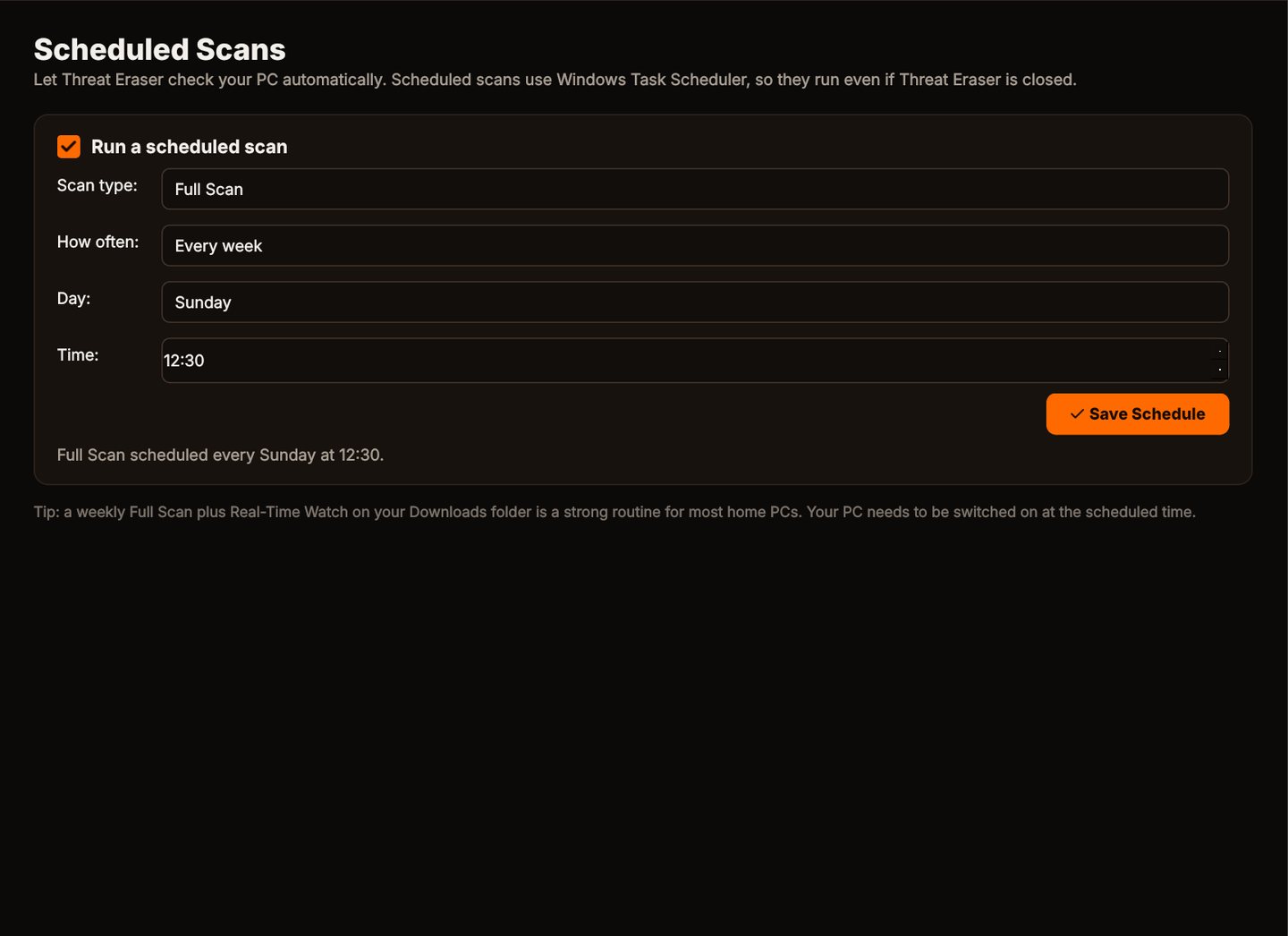
Turn on Real-Time Watch and set a weekly scheduled scan, so new files in your watched folders are checked as they arrive.
Schedule a scan
Choose Quick or Full Scan, daily or weekly, and a time.
Your PC at a glance
The Dashboard tells you in one line whether your PC is protected, and what to do if it isn't.

Layers of protection
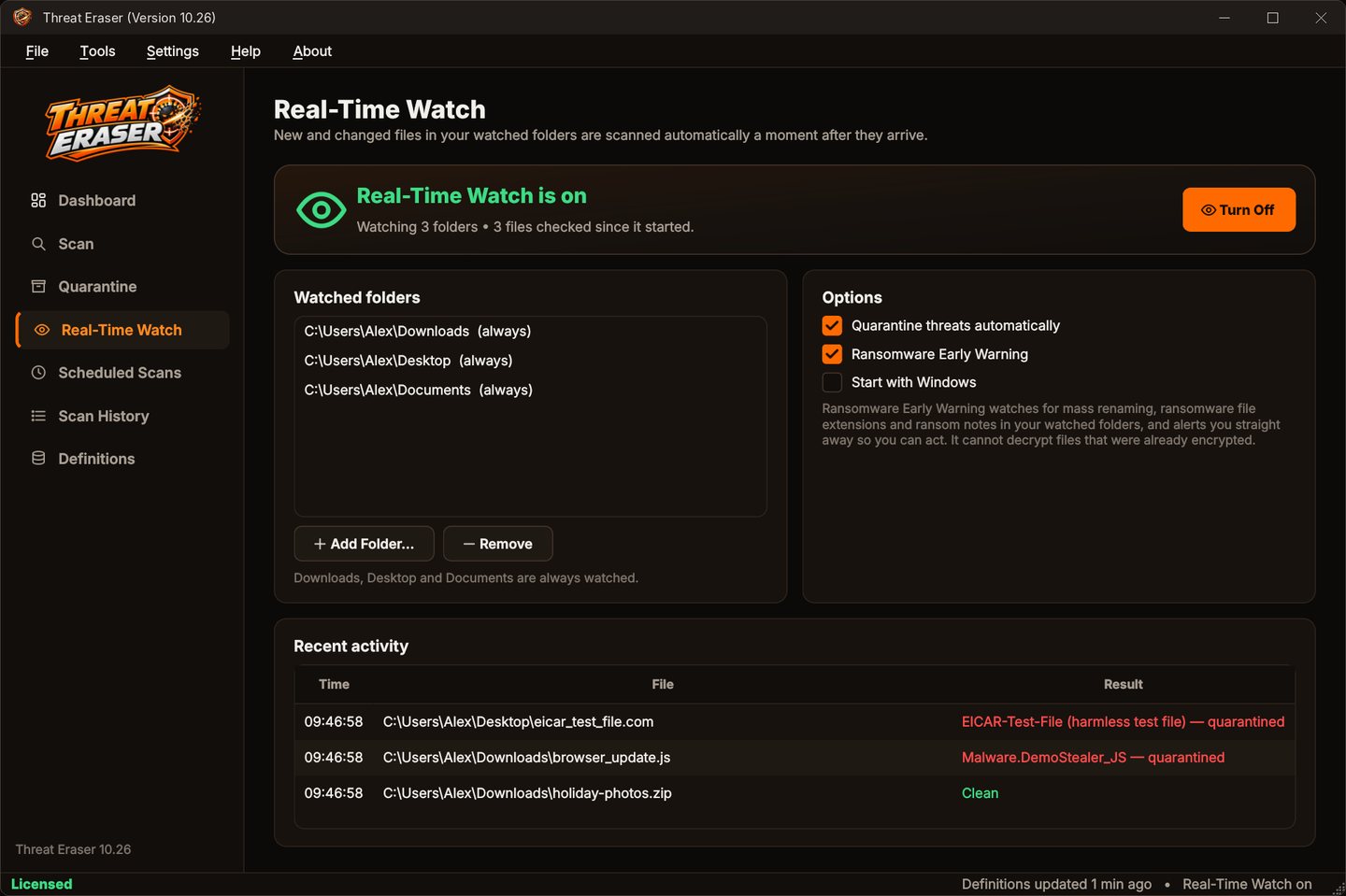
Real-Time Watch
New and changed files in Downloads, Desktop, Documents and any folders you add are checked a moment after they appear.
Ransomware Early Warning
Warns you straight away about mass renaming, ransomware file extensions and ransom notes in your watched folders.
Scheduled scans
A Quick or Full Scan every day or every week, run by Windows Task Scheduler even when Threat Eraser is closed.
Definitions that update themselves
Virus signatures and malware detection rules update every time Threat Eraser starts and every 4 hours while it runs, and recent malware hashes too with an optional access key.
Who it's not for: Mac, Linux, Android or iPhone users. Threat Eraser runs on 64-bit Windows 10 and 11.
One license. No subscription.
One-time payment · instant download
- Definition updatesautomatic, included
- Program updatesfree
- Real-Time Watch & ransomware warningincluded
- SystemWindows 10 (1809+) / 11, 64-bit
- Activations1 PC
- Deliverydownload + key by email
Get Threat Eraser
You'll go straight to your download page once payment is confirmed, and we'll email your download link and Installation Key.
Buy license · $69.95Already purchased? Get your download link again
Protection questions
Which folders does Real-Time Watch check?
Does protection keep running when I close the window?
Will it slow my PC down?
Do I need any other security software?
How many PCs can I use it on?
More from Threat Eraser
Protection that keeps watch for you
Real-Time Watch, early warnings and scheduled scans.
Buy license · $69.95