
A malware scanner that checks the usual hiding places
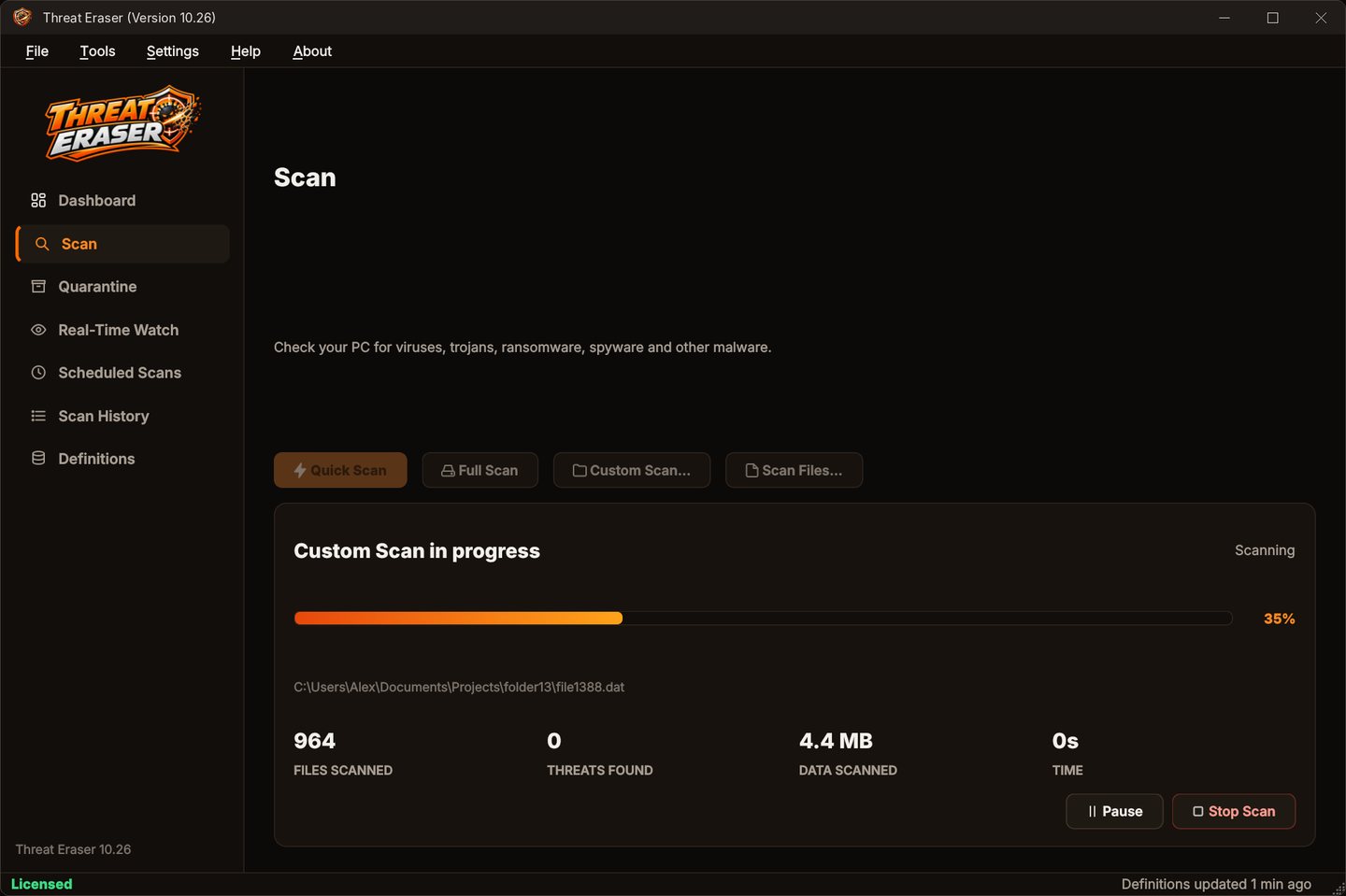
Threat Eraser scans for viruses, trojans, ransomware, spyware and other malware: the usual hiding places in a Quick Scan, every file on every fixed drive in a Full Scan, or any folder, file, USB stick or download you drop on the window.
Every way to scan
From the User Guide.
- Quick ScanDownloads, Desktop, Documents, temporary and Startup folders, AppData, ProgramData, running programs and start-up programs.
- Full ScanEvery file on every fixed drive.
- Custom Scan / Scan FilesA folder or individual files you choose.
- Drag and dropAnything you drop on the Scan page.
- Right-clickAny file, folder or drive in Windows Explorer.
- While it runsPause, resume or stop; threats appear as soon as they're found.
Scan in four steps
Scan
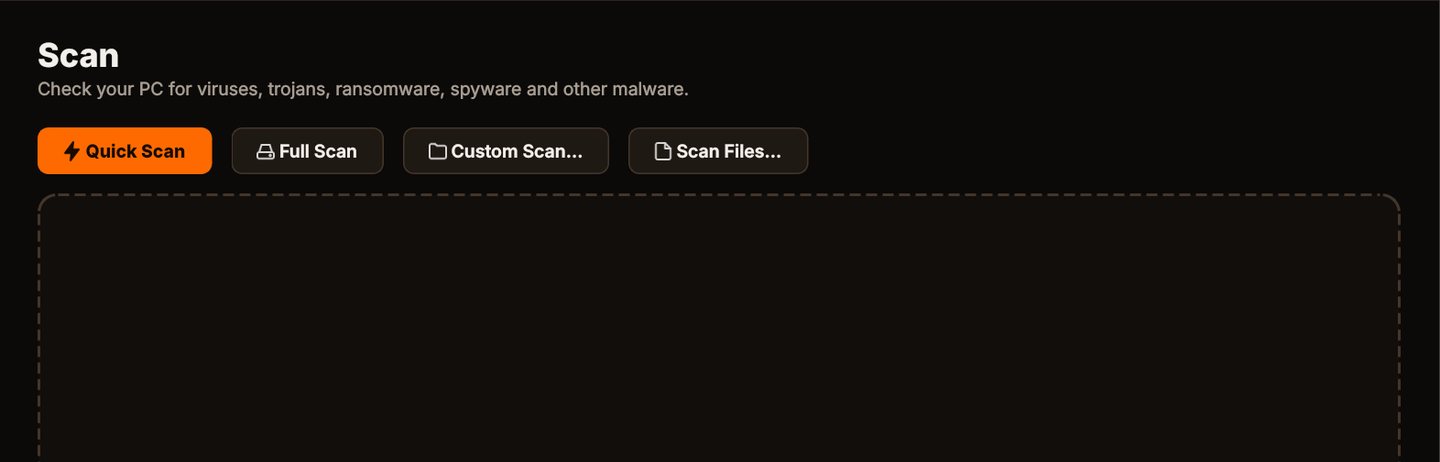
Click Quick Scan to check the places malware usually hides, or Full Scan for every file on every fixed drive.
See what it found
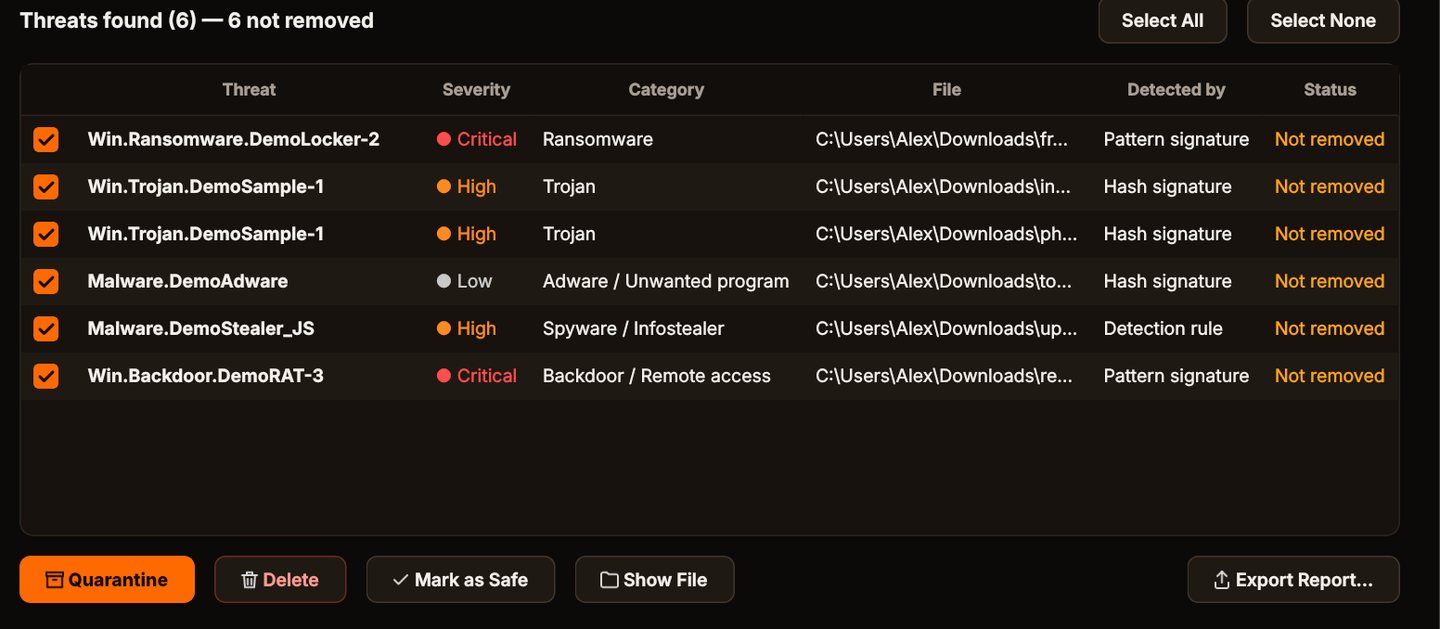
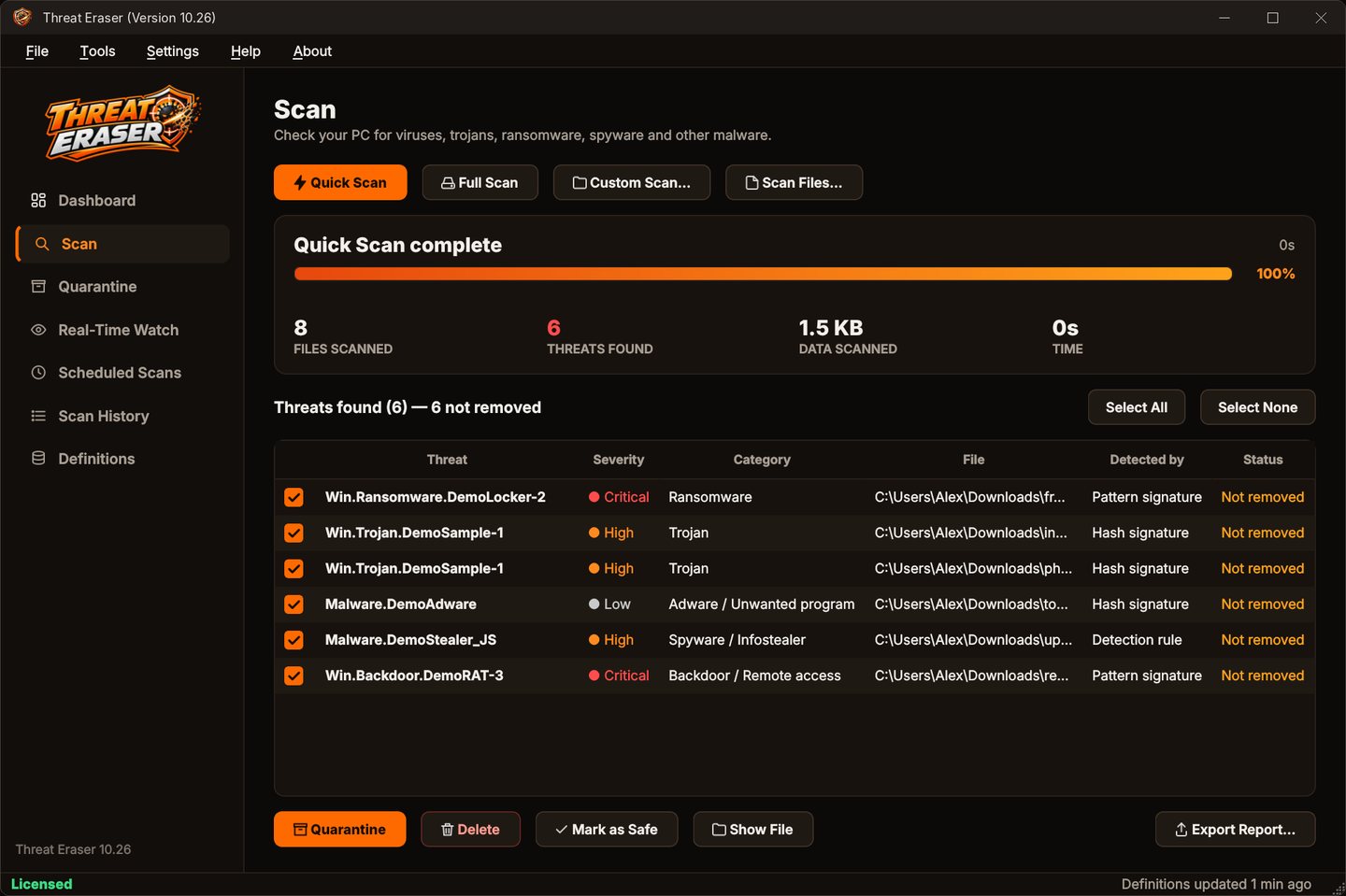
Each threat is listed with its name, severity, category, the file and how it was detected.
Quarantine it
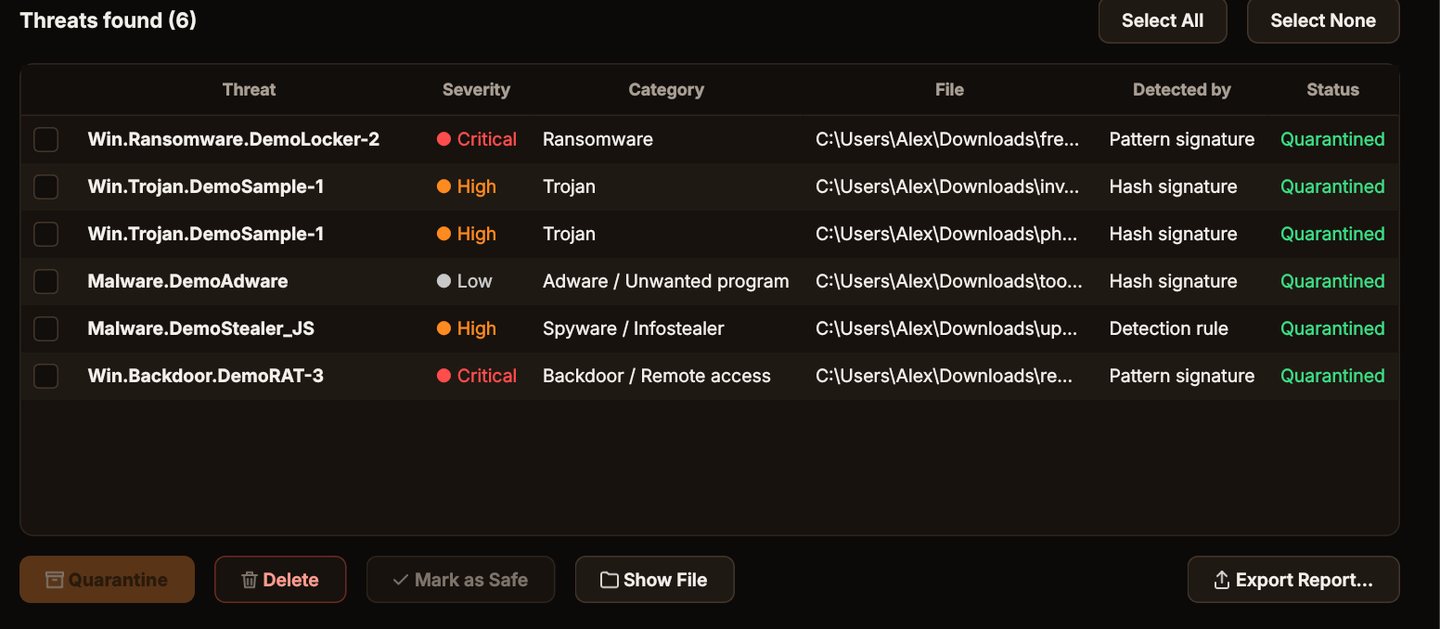
Click Quarantine. The files are locked away where they can't run, and you can restore them if you need to.
Stay protected
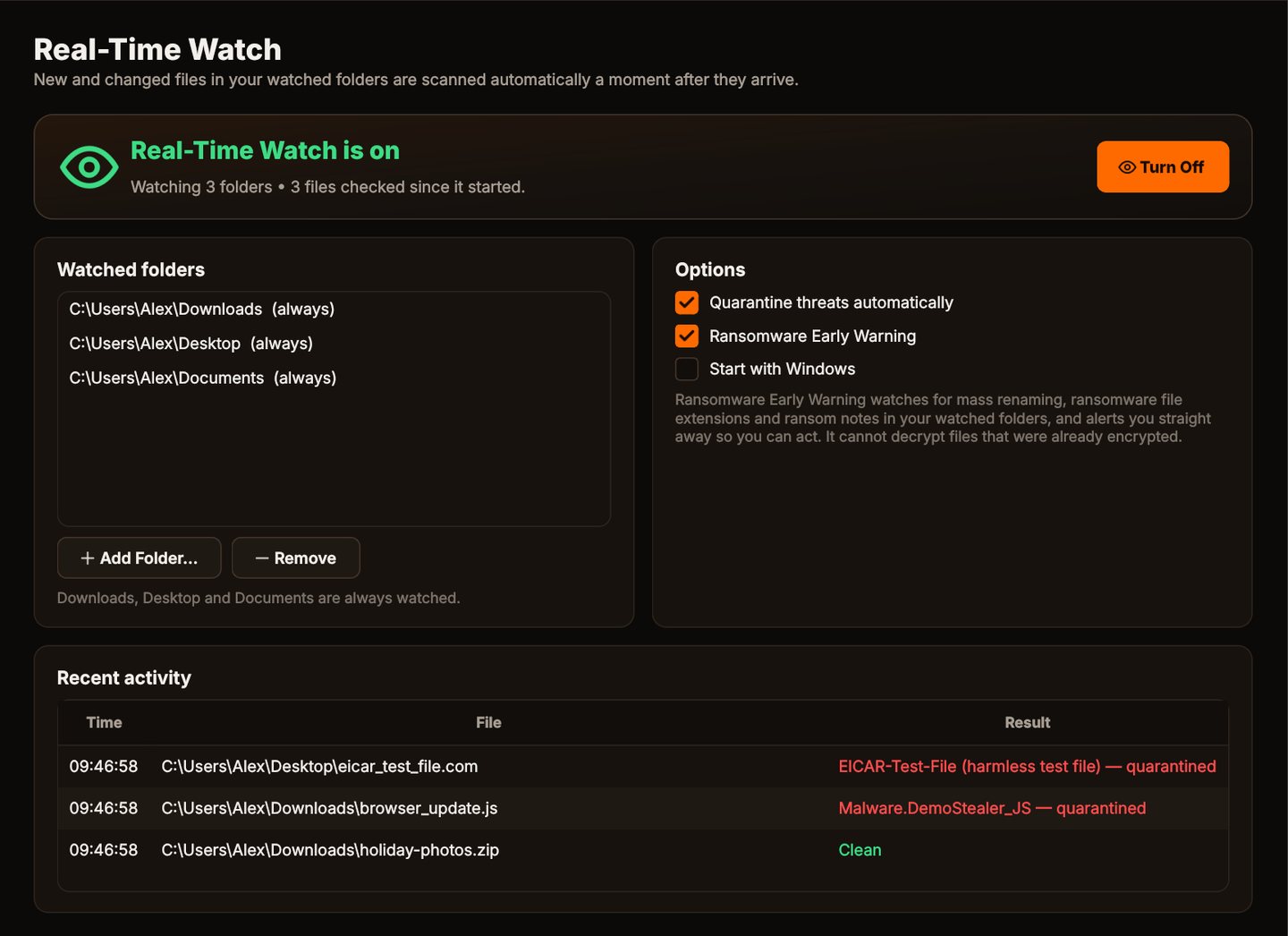
Turn on Real-Time Watch and set a weekly scheduled scan, so new files in your watched folders are checked as they arrive.
Results as they're found
Every threat with its severity, category and how it was detected.
Why Threat Eraser's scanner
Definitions that update themselves
Virus signatures and malware detection rules update every time Threat Eraser starts and every 4 hours while it runs, and recent malware hashes too with an optional access key.
Disguised names
invoice.pdf.exe and hidden right-to-left characters are flagged.
Light on your PC
Scans run at low priority so you can keep working, and cloud-only OneDrive and Dropbox files aren't downloaded just to be scanned.
Nothing uploaded
Files are scanned on your PC. The only internet traffic is definitions, program updates and license activation.
Who it's not for: Mac, Linux, Android or iPhone users. Threat Eraser runs on 64-bit Windows 10 and 11.
One license. No subscription.
One-time payment · instant download
- Definition updatesautomatic, included
- Program updatesfree
- Real-Time Watch & ransomware warningincluded
- SystemWindows 10 (1809+) / 11, 64-bit
- Activations1 PC
- Deliverydownload + key by email
Get Threat Eraser
You'll go straight to your download page once payment is confirmed, and we'll email your download link and Installation Key.
Buy license · $69.95Already purchased? Get your download link again
Malware scanner questions
How long does a scan take?
Why are some files skipped?
Are my files uploaded anywhere?
Do I need any other security software?
How many PCs can I use it on?
More from Threat Eraser
Scan the usual hiding places
Quick, Full, Custom, drag-and-drop and right-click scanning.
Buy license · $69.95