
Windows antivirus software built for Windows
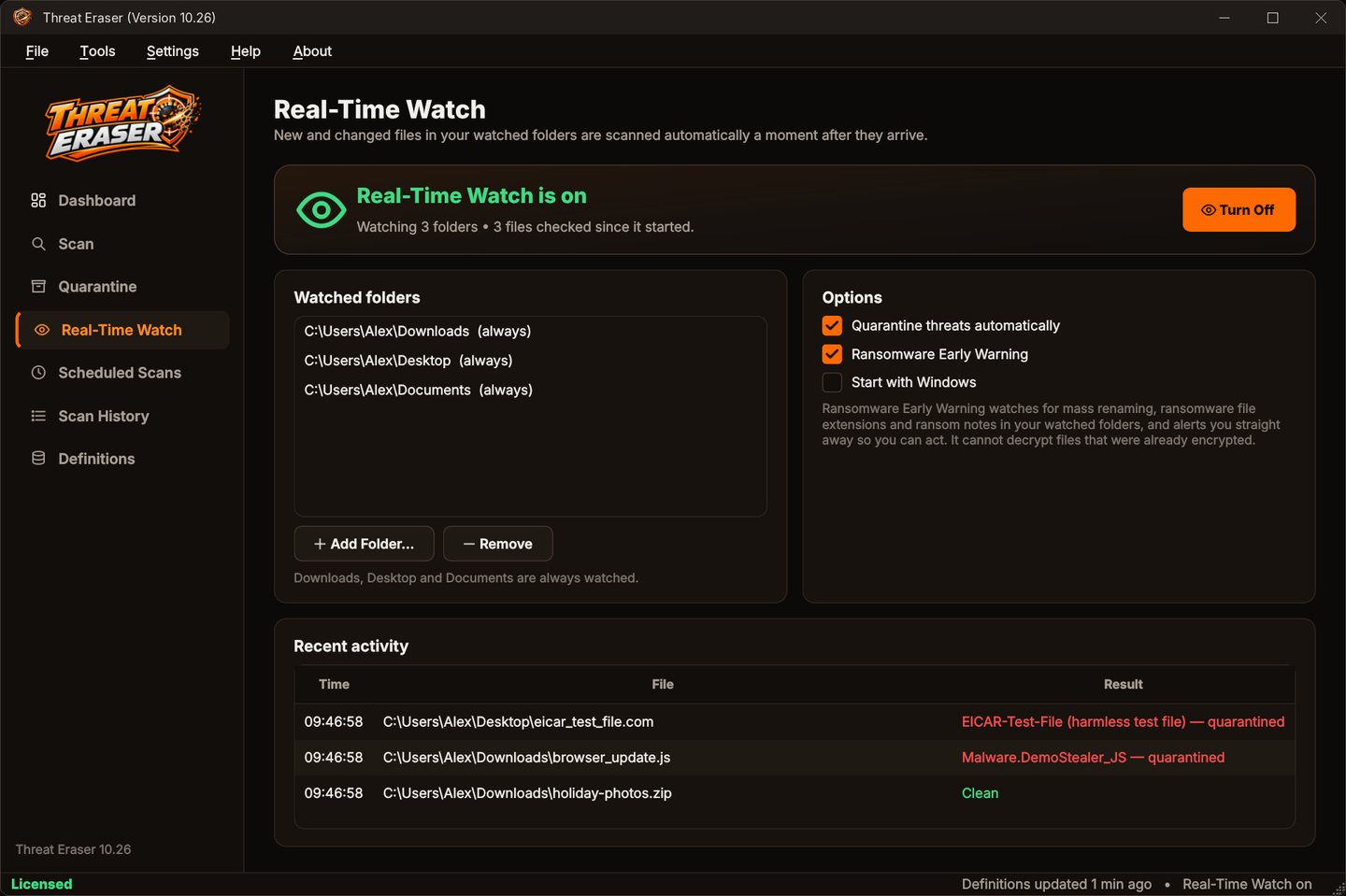
Threat Eraser is made for Windows. Scan any file, folder or drive from the Explorer right-click menu, schedule scans with Windows Task Scheduler, get alerts from the notification area and start Real-Time Watch with Windows.
Windows integration
From the User Guide.
- Right-clickScan with Threat Eraser in the Explorer right-click menu (turn on in Default Settings > Protection).
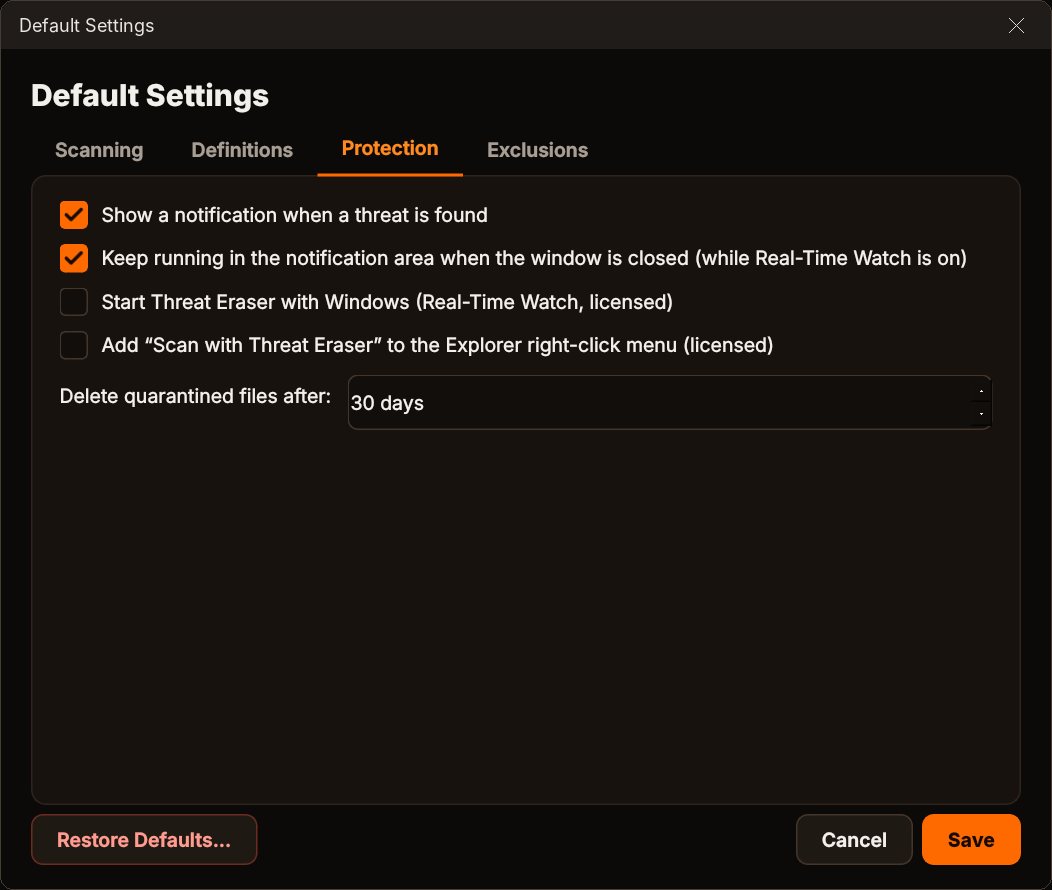
- Task SchedulerScheduled scans run through Windows Task Scheduler, even when Threat Eraser is closed.
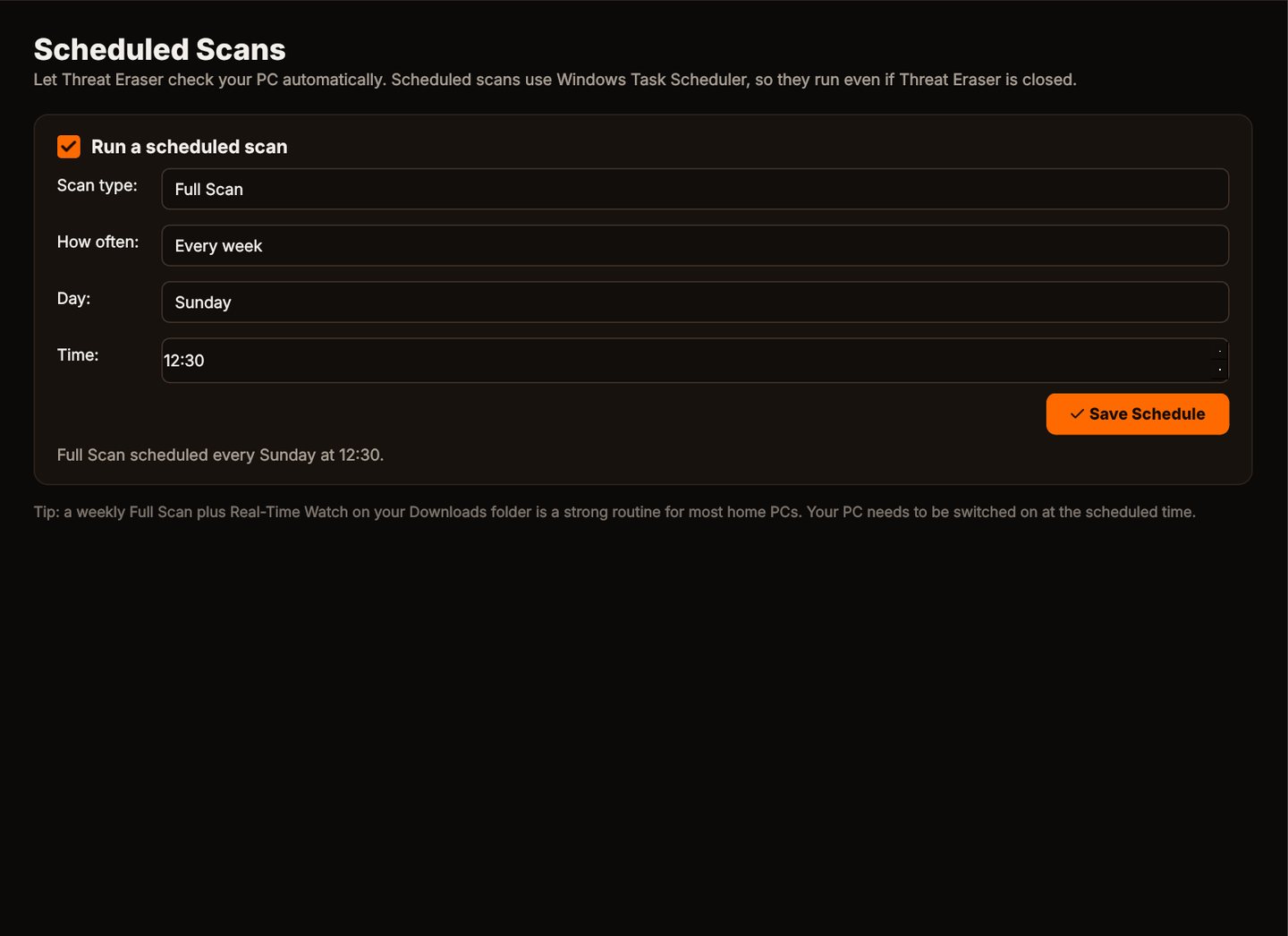
- Notification areaClosing the window can keep Real-Time Watch running in the notification area.
- Start with WindowsStarts in the notification area with Real-Time Watch on.
- System64-bit Windows 11, or Windows 10 version 1809 or later.
Set it up in four steps
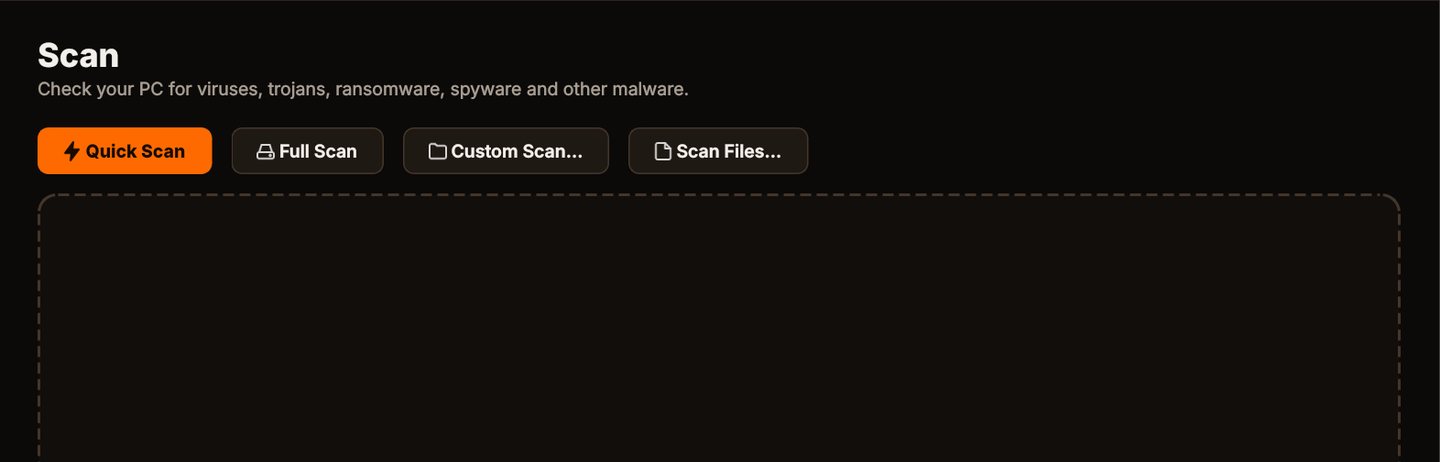
Scan
Click Quick Scan to check the places malware usually hides, or Full Scan for every file on every fixed drive.
See what it found
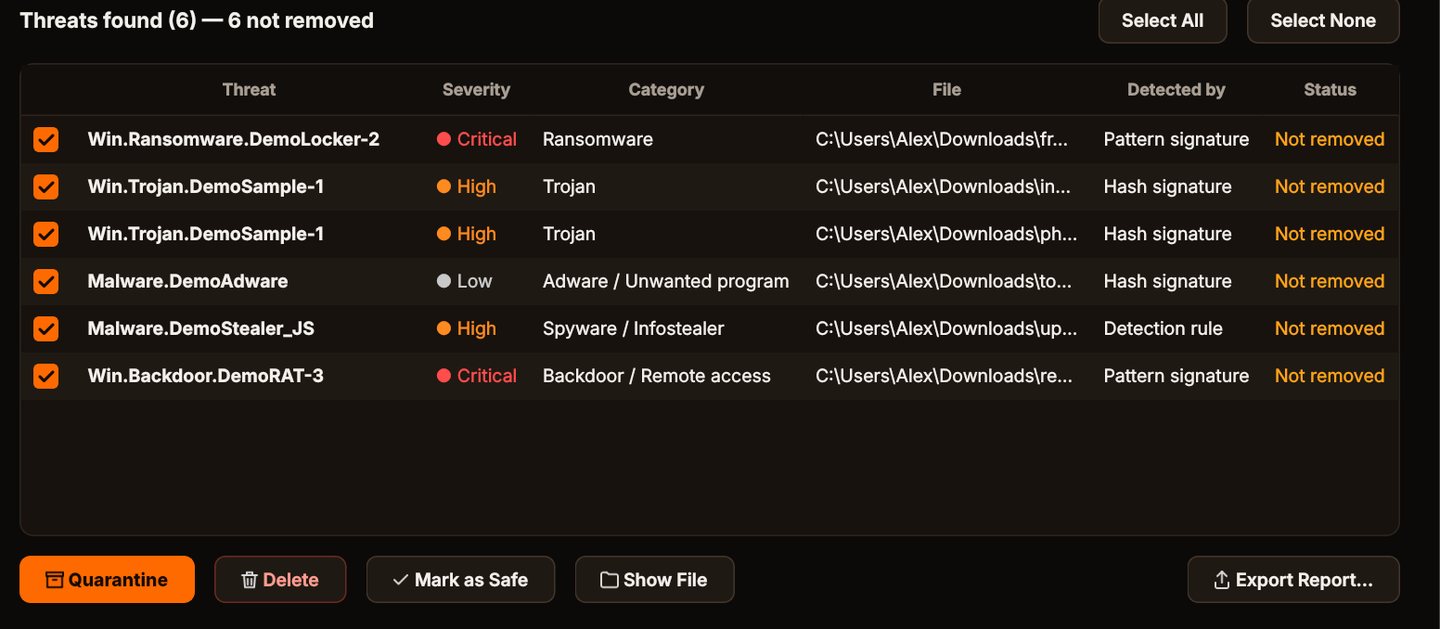
Each threat is listed with its name, severity, category, the file and how it was detected.
Quarantine it
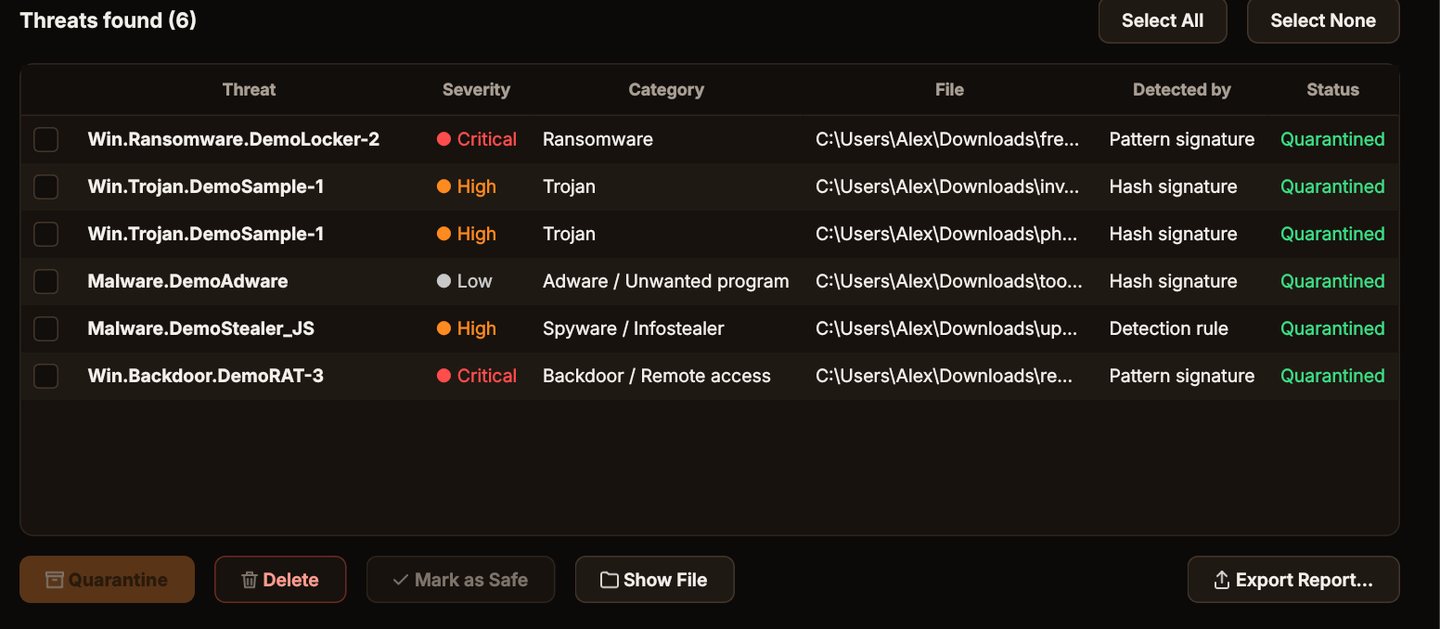
Click Quarantine. The files are locked away where they can't run, and you can restore them if you need to.
Protect it from start-up
Turn on Real-Time Watch and Start with Windows.
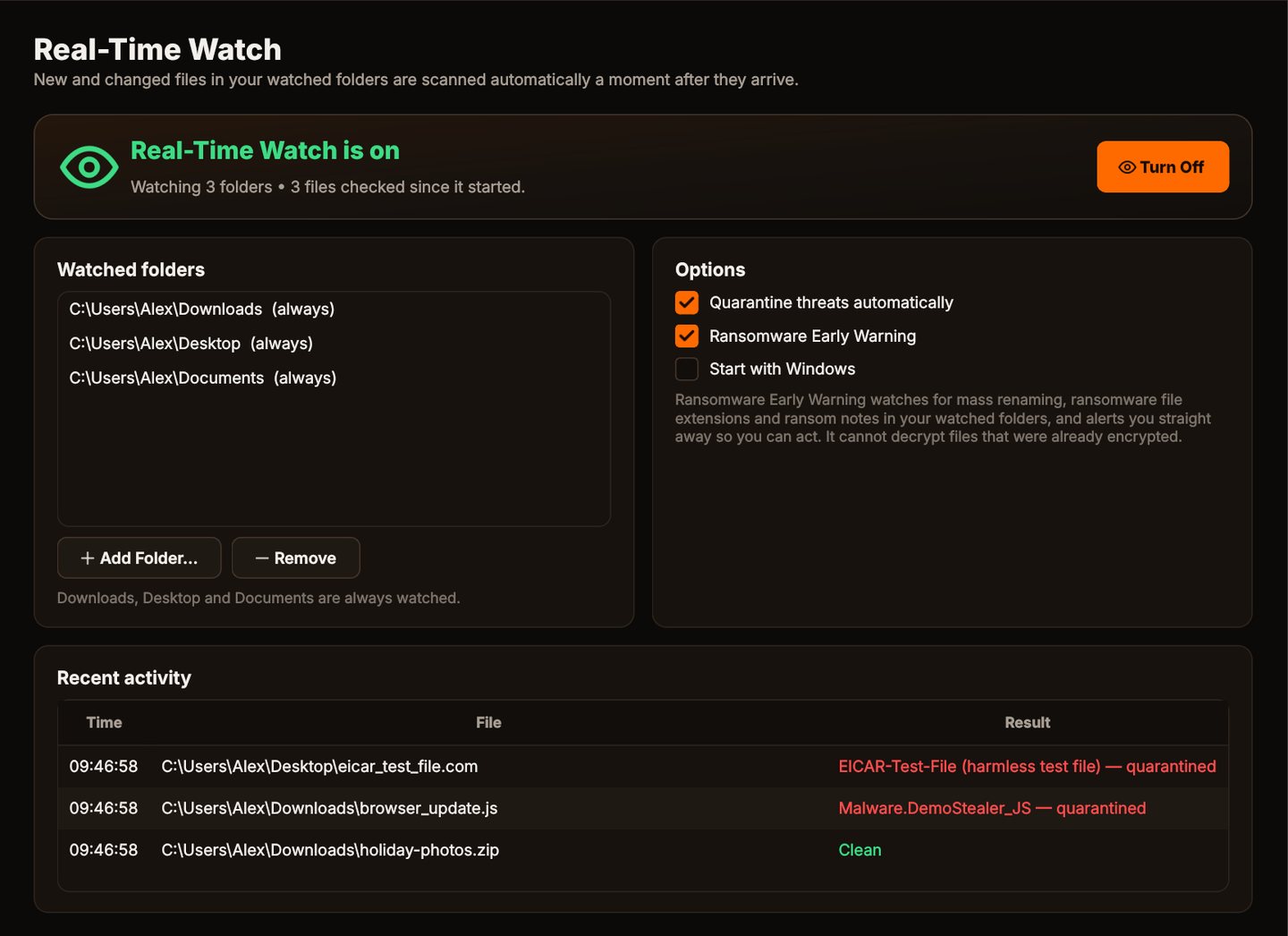
Protection settings
Real Threat Eraser screens.
Why it fits Windows
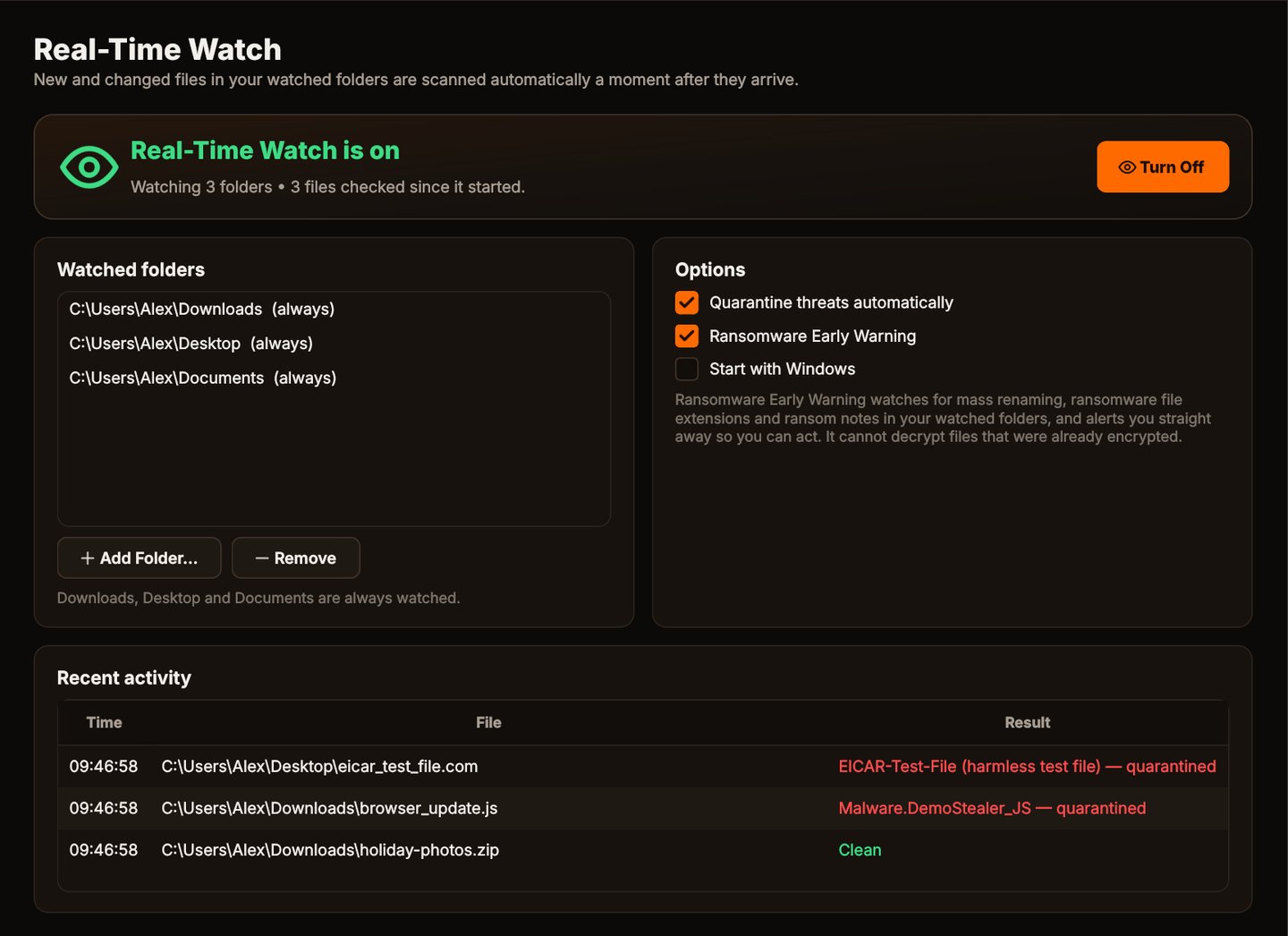
Real-Time Watch
New and changed files in Downloads, Desktop, Documents and any folders you add are checked a moment after they appear.
Scheduled scans
A Quick or Full Scan every day or every week, run by Windows Task Scheduler even when Threat Eraser is closed.
Light on your PC
Scans run at low priority so you can keep working, and cloud-only OneDrive and Dropbox files aren't downloaded just to be scanned.
Pay once
A one-time license with free program updates. Definitions keep updating automatically. No yearly renewal.
Who it's not for: Mac, Linux, Android or iPhone users. Threat Eraser runs on 64-bit Windows 10 and 11.
One license. No subscription.
One-time payment · instant download
- Definition updatesautomatic, included
- Program updatesfree
- Real-Time Watch & ransomware warningincluded
- SystemWindows 10 (1809+) / 11, 64-bit
- Activations1 PC
- Deliverydownload + key by email
Get Threat Eraser
You'll go straight to your download page once payment is confirmed, and we'll email your download link and Installation Key.
Buy license · $69.95Already purchased? Get your download link again
Windows questions
Which versions of Windows does it run on?
Can I scan from File Explorer?
Windows says it protected my PC when installing. Is that normal?
Do I need any other security software?
How many PCs can I use it on?
More from Threat Eraser
Antivirus, the Windows way
Right-click scans, scheduled scans and Real-Time Watch from start-up.
Buy license · $69.95