
Ransomware protection with an early warning
Threat Eraser detects known ransomware with its virus signatures and malware detection rules, and quarantines it. While Real-Time Watch is on, Ransomware Early Warning alerts you the moment it sees ransomware-style activity in your watched folders, so you can act before more files are hit.
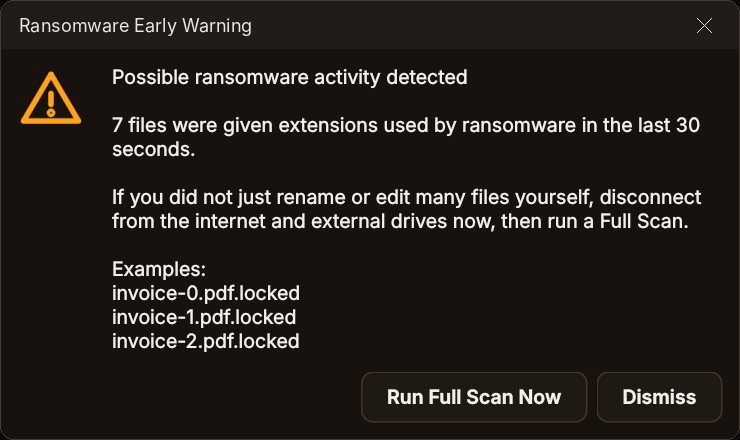
What Ransomware Early Warning looks for
In your watched folders, while Real-Time Watch is on.
- Ransomware extensionsSeveral files suddenly given extensions used by ransomware, such as .locked or .lockbit.
- Ransom notesA file that looks like a ransom note, such as HOW_TO_DECRYPT_FILES.txt.
- Mass renamingDozens of files renamed to a new file type within seconds.
- What to doDisconnect from the internet, unplug external drives, then click Run Full Scan Now.
- Honest limitIt alerts you so you can act quickly; it cannot decrypt files that were already encrypted.
Ransomware protection in four steps
Turn on Real-Time Watch
Downloads, Desktop and Documents are watched, plus any folders you add.
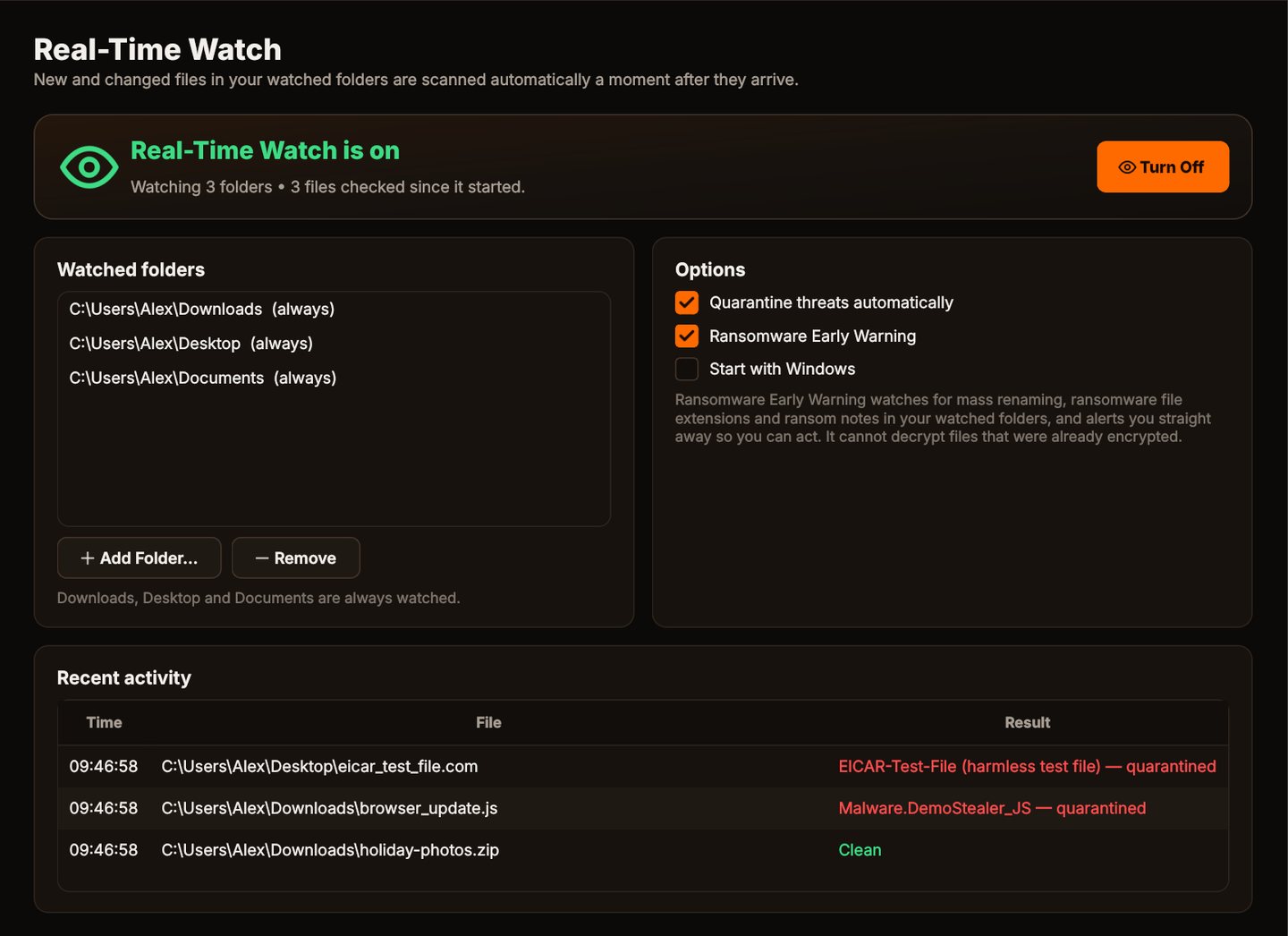
Ransomware Early Warning
On by default with Real-Time Watch.
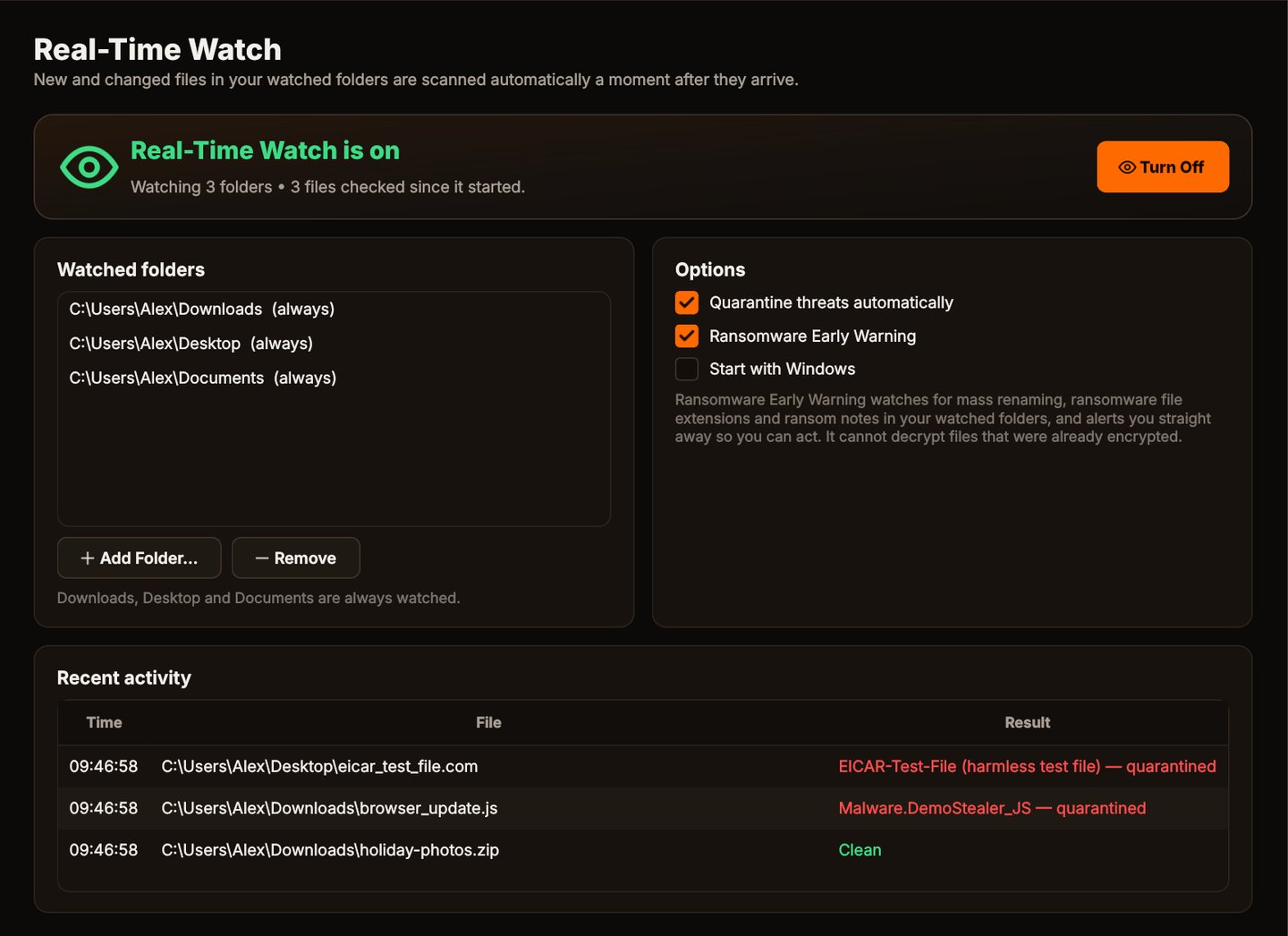
Get warned
An alert appears the moment ransomware-style activity is seen.
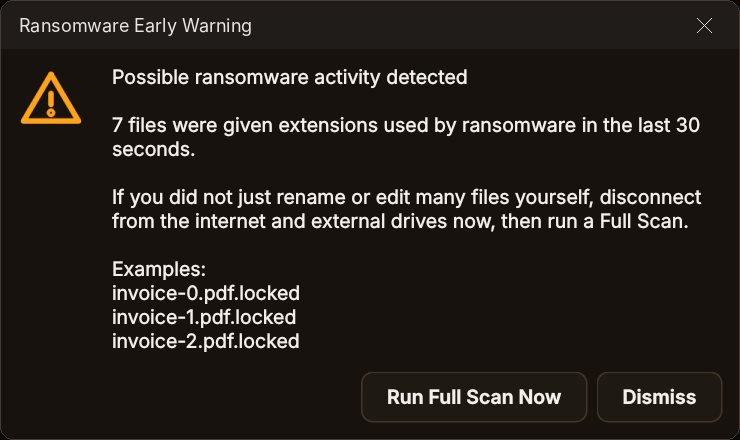
Scan and remove
Run a Full Scan and quarantine the ransomware.
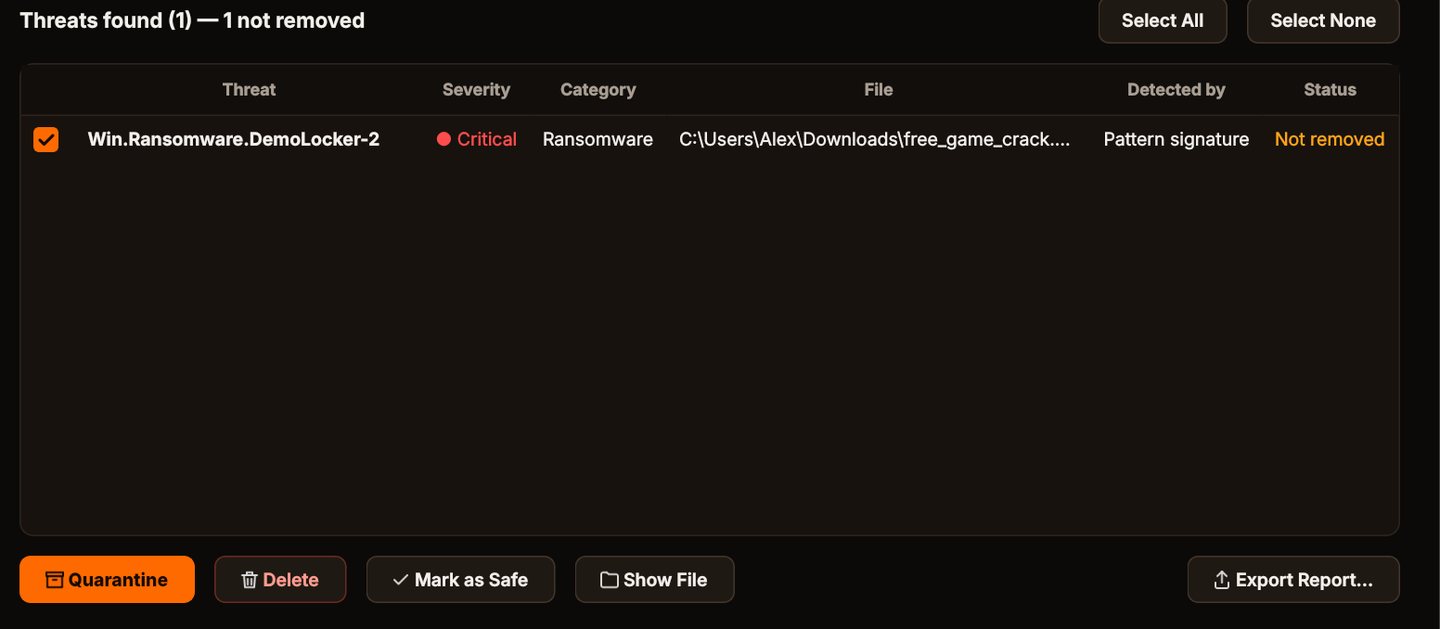
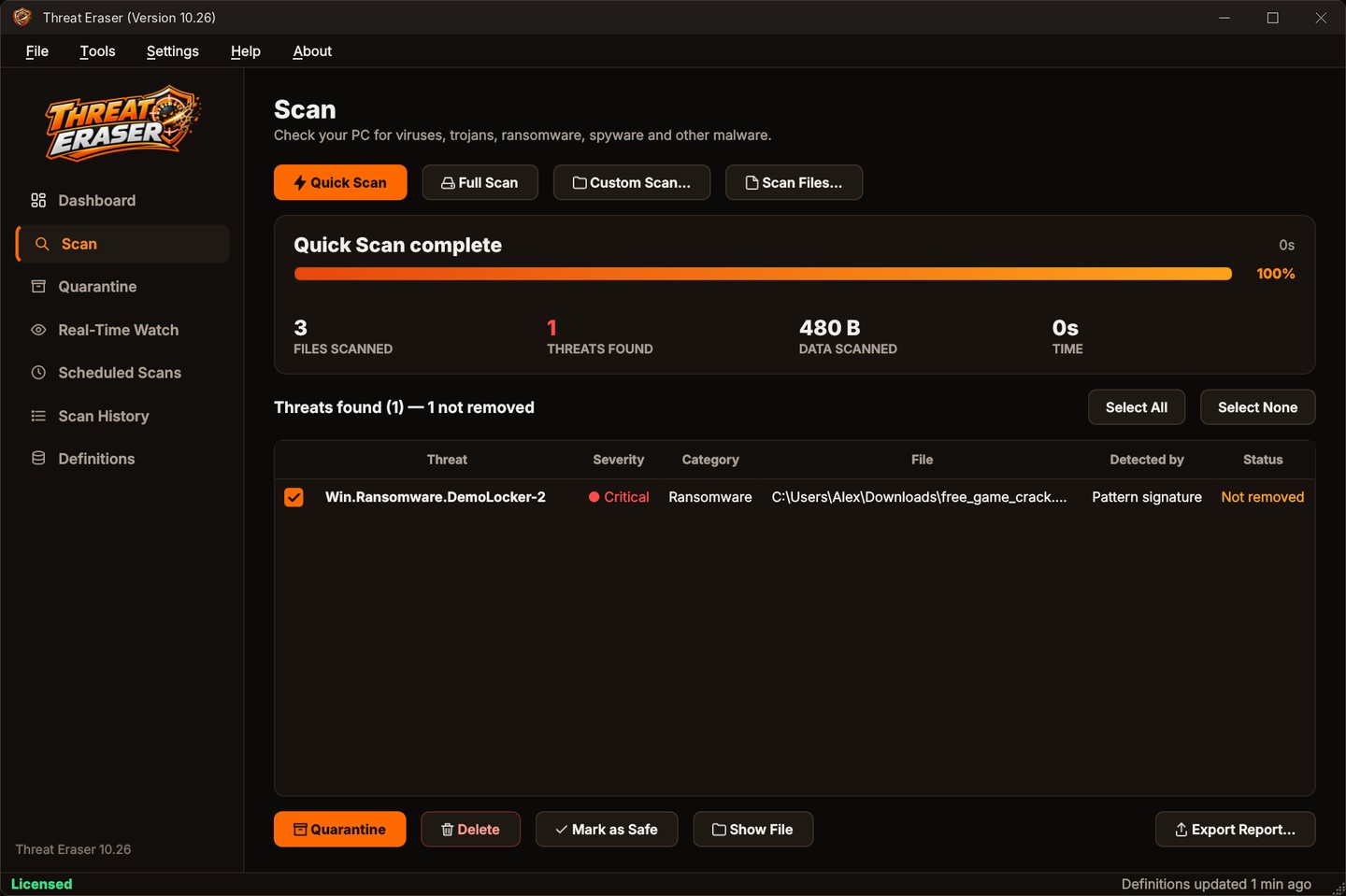
Ransomware found and quarantined
Ransomware is marked Critical in the scan results.
Why Threat Eraser for ransomware
Ransomware Early Warning
Warns you straight away about mass renaming, ransomware file extensions and ransom notes in your watched folders.
Real-Time Watch
New and changed files in Downloads, Desktop, Documents and any folders you add are checked a moment after they appear.
Definitions that update themselves
Virus signatures and malware detection rules update every time Threat Eraser starts and every 4 hours while it runs, and recent malware hashes too with an optional access key.
Safe quarantine
Threats are encoded and locked in quarantine, and the original is removed only after the quarantine copy has been checked. Restore anything with one click.
Who it's not for: anyone hoping to recover files that ransomware has already encrypted. Threat Eraser can't decrypt them; keep backups of important files.
One license. No subscription.
One-time payment · instant download
- Definition updatesautomatic, included
- Program updatesfree
- Real-Time Watch & ransomware warningincluded
- SystemWindows 10 (1809+) / 11, 64-bit
- Activations1 PC
- Deliverydownload + key by email
Get Threat Eraser
You'll go straight to your download page once payment is confirmed, and we'll email your download link and Installation Key.
Buy license · $69.95Already purchased? Get your download link again
Ransomware questions
Can it decrypt files that ransomware has encrypted?
Does Ransomware Early Warning need Real-Time Watch?
What should I do if I see the warning?
Do I need any other security software?
How many PCs can I use it on?
More from Threat Eraser
Spot ransomware early
Detection, quarantine and an early warning in your watched folders.
Buy license · $69.95